
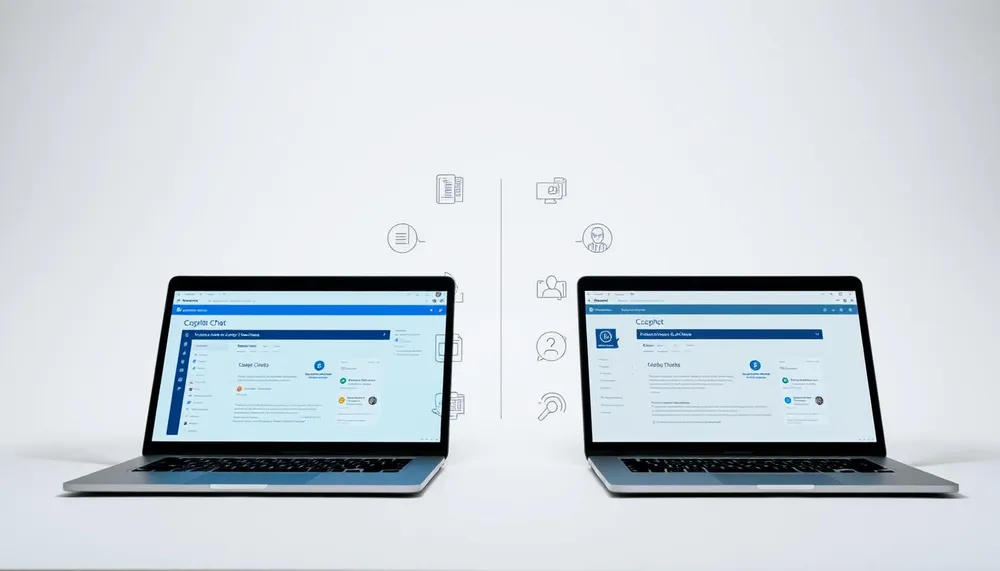
Microsoft has two products with almost identical names, and one costs $30 per user per month while the other is free. Copilot Chat and Microsoft 365 Copilot both live inside the same Microsoft 365 apps, both answer questions, and both draft documents. What separates them is where they get their information from, and that difference decides whether your business needs to pay.
Here is the short version:
- Copilot Chat is free with most Microsoft 365 subscriptions. It reads the open web and whatever you type into the chat window. It does not see your email, files, or meetings.
- Microsoft 365 Copilot is $30 per user per month on an annual plan (US pricing). It reads your Outlook, Word, Excel, PowerPoint, OneDrive, SharePoint, and Teams data along with the web.
Everything else follows from that single distinction.
What Copilot Chat is
Copilot Chat is Microsoft's free conversational AI, accessible at m365.cloud.microsoft/chat and inside Teams, Outlook, and the Microsoft 365 app. It runs on the same underlying models as the paid Copilot but does not have permission to look at your organizational data.
Practically, that means Copilot Chat is good at:
- Drafting emails, memos, and letters from information you paste in
- Rewriting or summarizing text you provide
- Answering general questions about products, policies, or public information
- Working through problems that do not need any of your company's private context
Copilot Chat is included at no extra cost with Microsoft 365 Business Basic, Business Standard, Business Premium, Apps for Business, and every enterprise plan (E1, E3, E5). If you already pay for one of those, you already have Copilot Chat.
What Microsoft 365 Copilot is
Microsoft 365 Copilot is the paid tier. It costs $30 per user per month on an annual plan and it grounds every answer in your organization's own data through Microsoft Graph.
The concrete difference in daily use:
- In Outlook: "Summarize the last week of email from the Acme account" works because Copilot can read your inbox. Copilot Chat cannot do this.
- In Word: "Draft a proposal for the Acme deal using the format from our last two proposals" pulls from files in your OneDrive or SharePoint. Copilot Chat can only work from what you paste.
- In Excel: Analyzes the table in the workbook you have open, including columns with your own labels and structure.
- In Teams: Summarizes meetings you attended and calls back to specific comments, even weeks later.
- Across everything: Answers "What did we decide about pricing on the Chen project?" by searching your organization's own data, not the web.
Microsoft 365 Copilot requires a qualifying base license: Business Basic, Business Standard, Business Premium, Apps for Business, or Microsoft 365 E3, E5, A3, or A5. It is an add-on, not a replacement. The base license still costs what it costs.
The middle tier: Microsoft 365 Copilot Business
Microsoft added a lower-priced tier for small and mid-sized businesses called Microsoft 365 Copilot Business. It sits between free Copilot Chat and the full $30 Copilot, with a narrower set of features but the same organizational grounding. Qualifying base licenses differ from the main Copilot tier. Teams Essentials, for example, does not qualify for Copilot Business (see the full breakdown).
Which one your business actually needs
The decision comes down to what you want AI to help with.
Pay for Microsoft 365 Copilot if:
- You spend real time on tasks that require pulling context from your own emails, files, or meetings
- You have documents worth summarizing, such as proposals, contracts, or meeting notes
- You want AI-assisted Excel analysis on your own spreadsheets, not generic examples
- Your team is already comfortable with AI and will use it more than a few times a week
Stay with free Copilot Chat if:
- You mostly draft outbound emails, marketing copy, or short public documents
- You do not have well-organized document libraries for Copilot to ground in
- You want to pilot AI adoption before committing to $360 per user per year
- Your team is new to AI and the free tier will teach the habits first
For most small businesses under 50 employees, Copilot Chat plus a formal weekly-usage habit generates more value than paying $30 a seat before the team has learned to prompt well.
Both use the same data protection
Both Copilot Chat and Microsoft 365 Copilot inherit your existing Microsoft 365 data protection posture. Neither one uses your prompts or data to train Microsoft's foundation models. Both respect Microsoft Purview sensitivity labels, DLP policies, and conditional access. The security controls are the same. The difference is only what data each product is allowed to see, and how much it costs.
What to do this quarter
- Confirm which base licenses your team has and check which Copilot tier they qualify for.
- Run Copilot Chat with a small group for two weeks. Track what they actually used it for.
- If more than half the useful requests involved your own content, pilot Microsoft 365 Copilot on 3 to 5 seats.
- If most requests were general drafting or research, the free tier is enough for now.
Related reading: